Guide - Install Altstore on iOS and iPadOS with windows
In this guide I will explain step by step how to install Altstore on your iPhone or iPad.
requirements
- You need a windows PC that is connected to the same wifi like your iPhone or iPad
- You have to connect your iPhone or iPad once in a week to your PC
- this is because of the requirement of the App IDs to refresh every 7 days
Guide
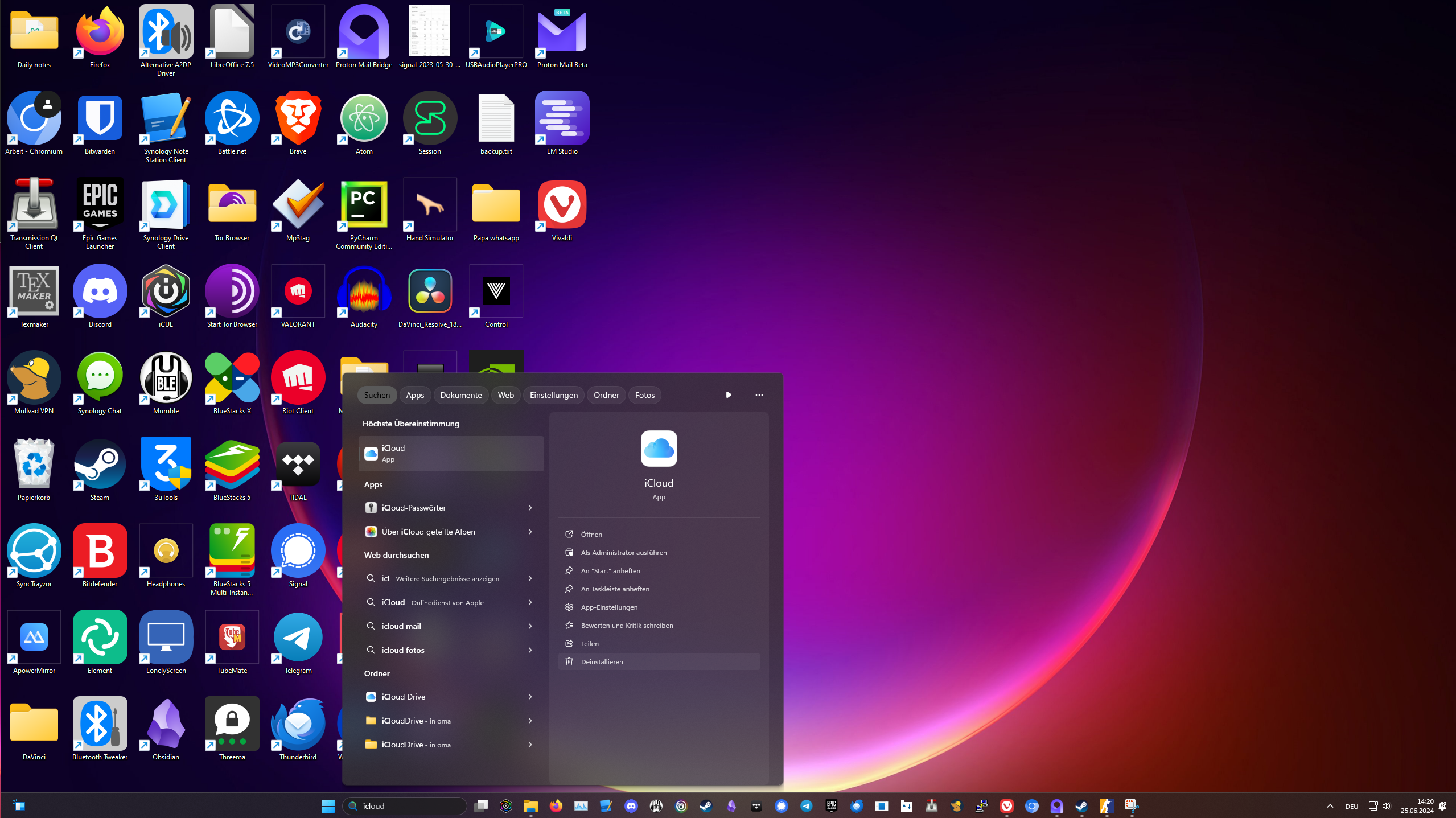
0. uninstall iCloud
- it is important to have the version of iCloud for Windows that isn't downloaded from the microsoft store
- search for iCloud and uninstall it if possible
1. Install Altstore
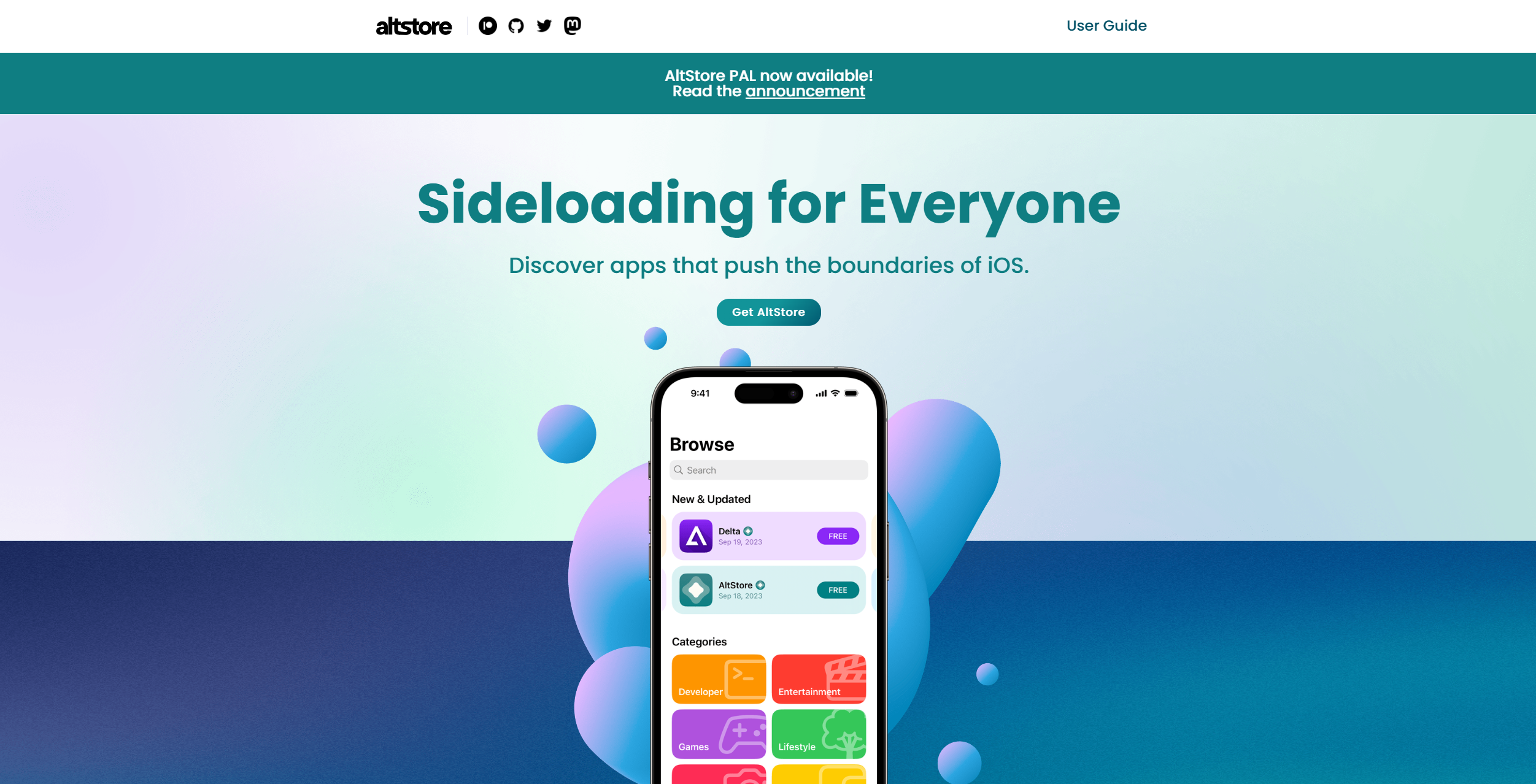
- visit the website of altstore and click on "Get Altstore"
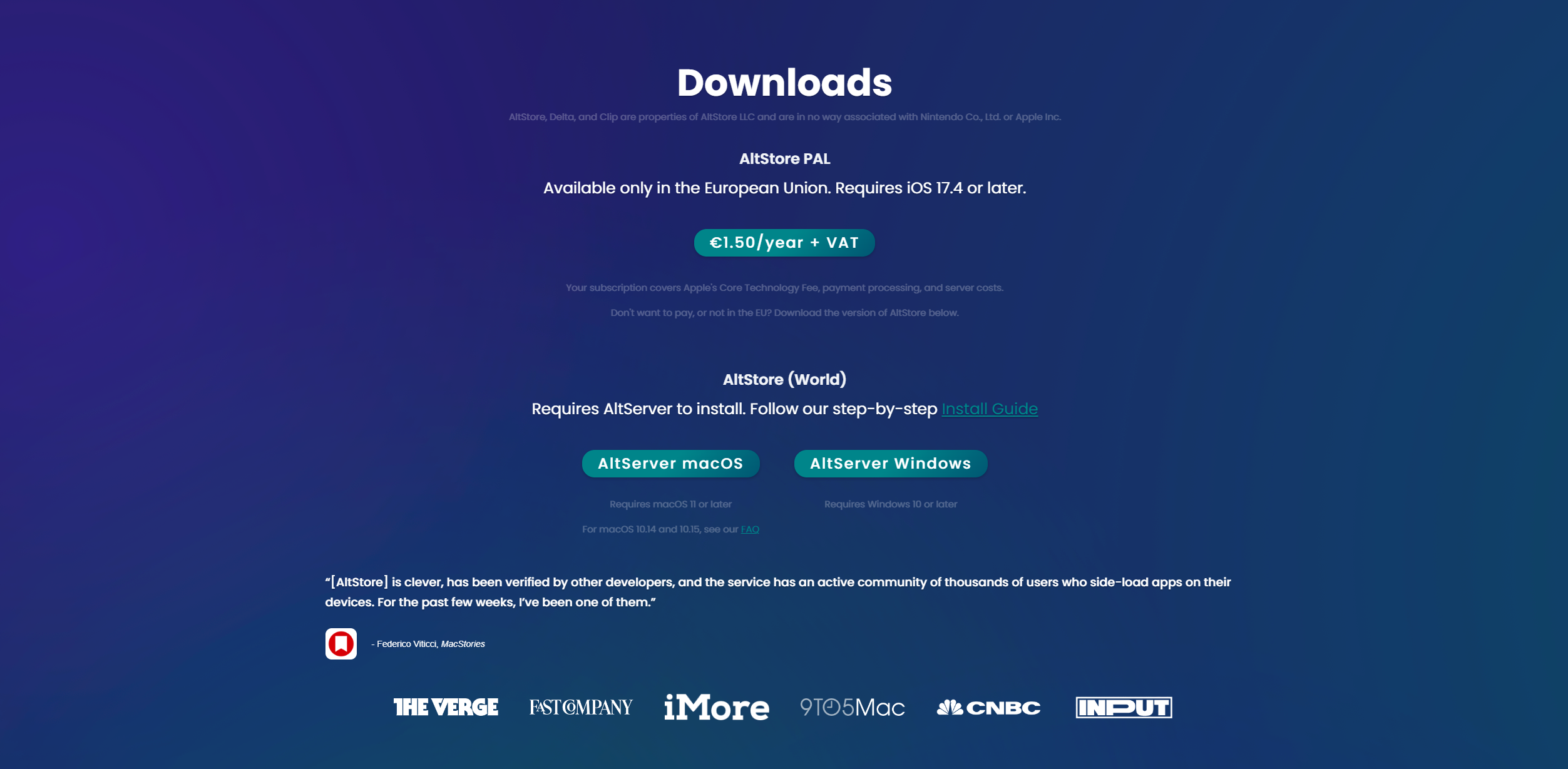
- Click on "AltServer Windows"
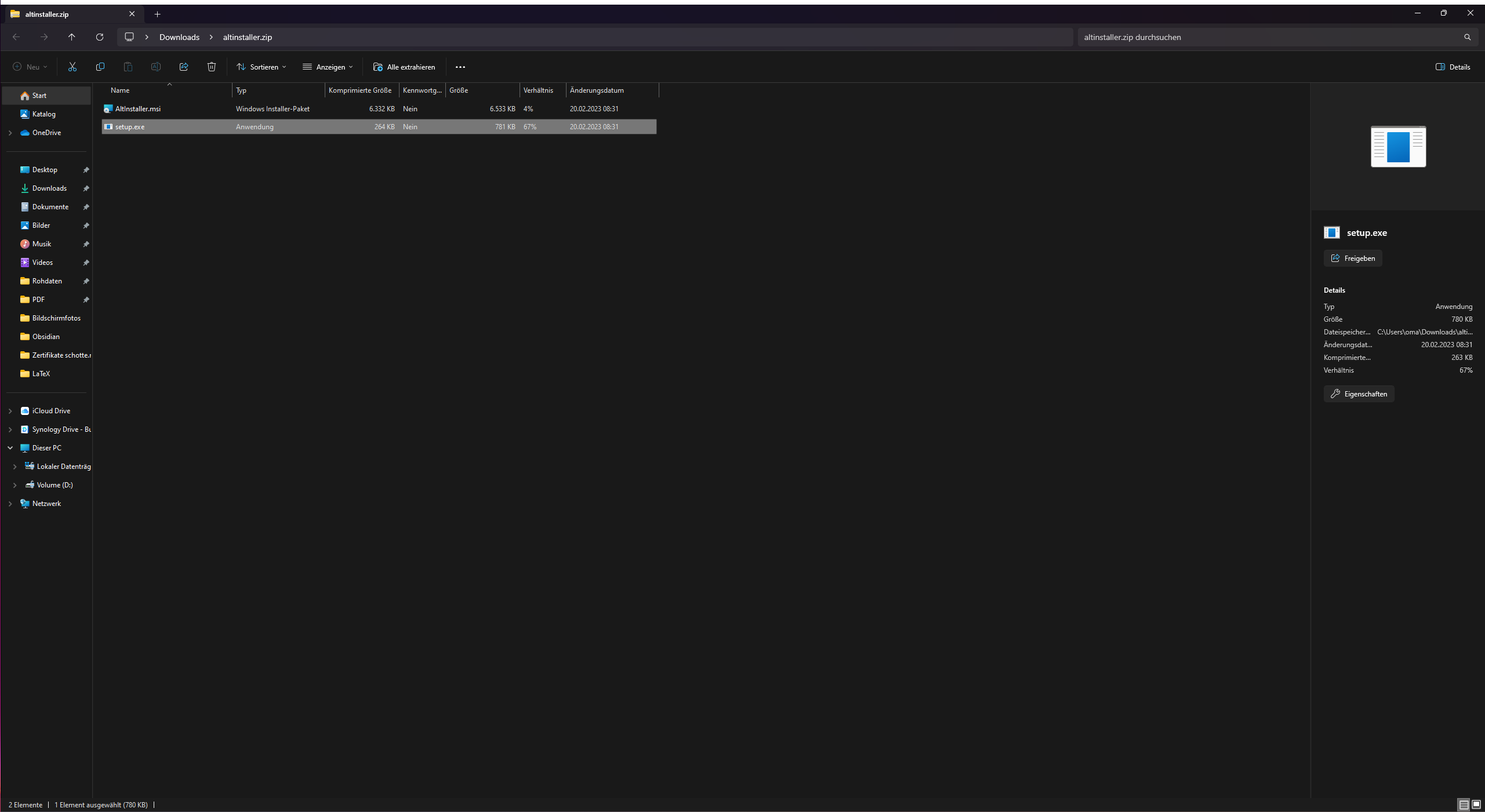
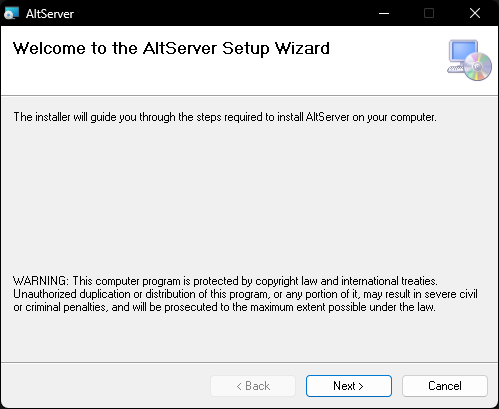
- open the .zip file and double-click on setup.exe
- click "next"
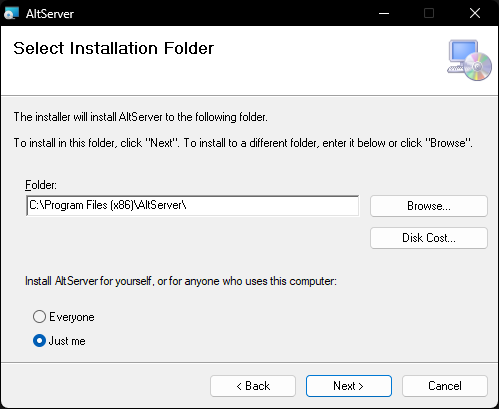
- click "next"
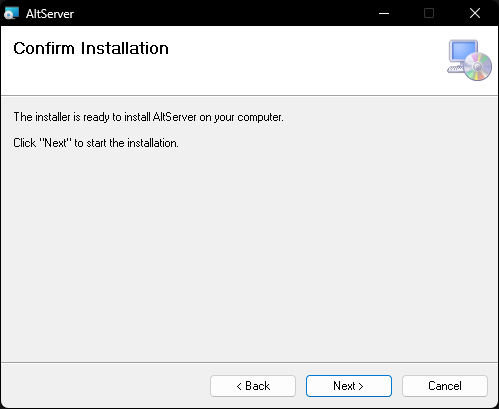
- click "next"
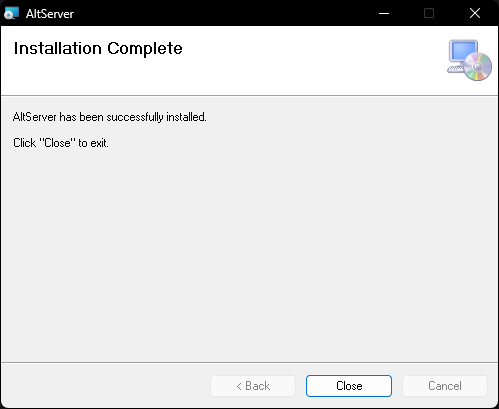
- close the window
2. install iCloud
- open "AltServer" (installed in step one)
- click on "download"

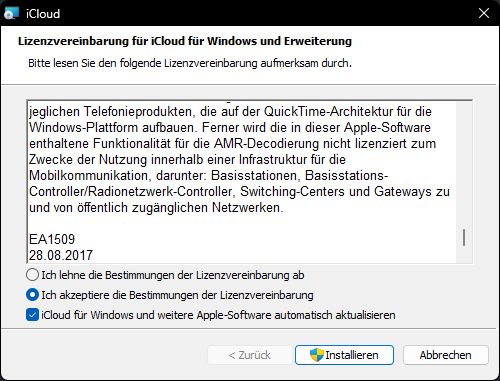
- accept the conditions for the license agreements and click on "install"
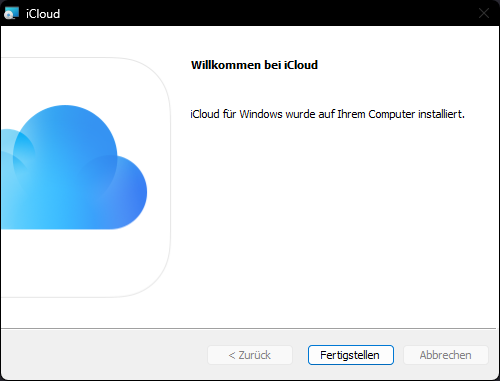
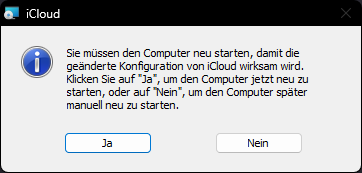
- click "finish" and restart your PC
3. Install AltStore on your iPhone or iPad
- plug your device via cable into your PC and make sure to trust the device
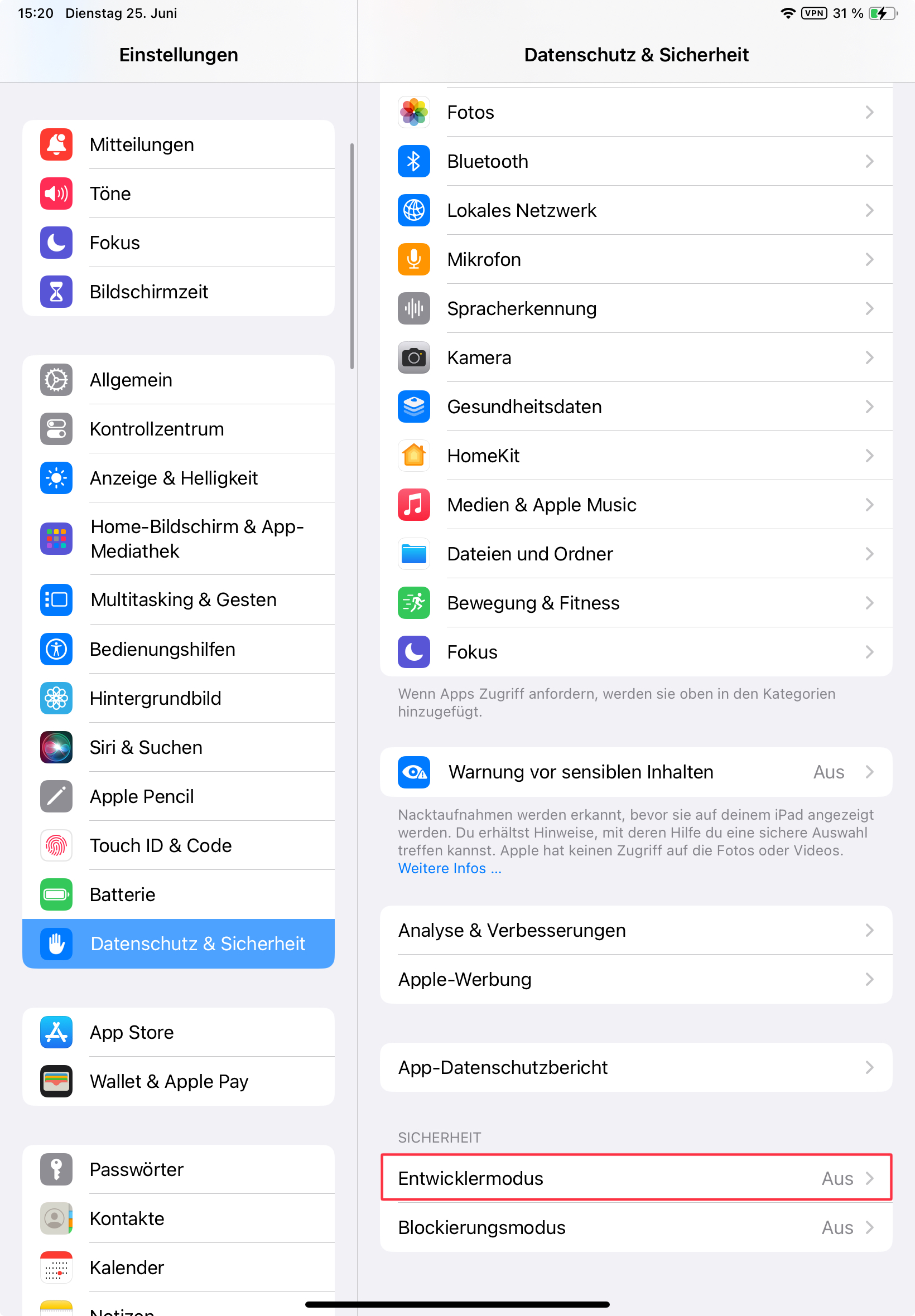
- open the settings app on your iPhone or iPad and click on "privacy & security"
- click on "Developer Mode" and activate it. This require a restart of your device
- if there is no option to enable the developer mode skip this step. It will appear on step 5
- if there is no option to enable the developer mode skip this step. It will appear on step 5
- open "AltServer" on your PC
- now there should be appear the symbol of AltServer
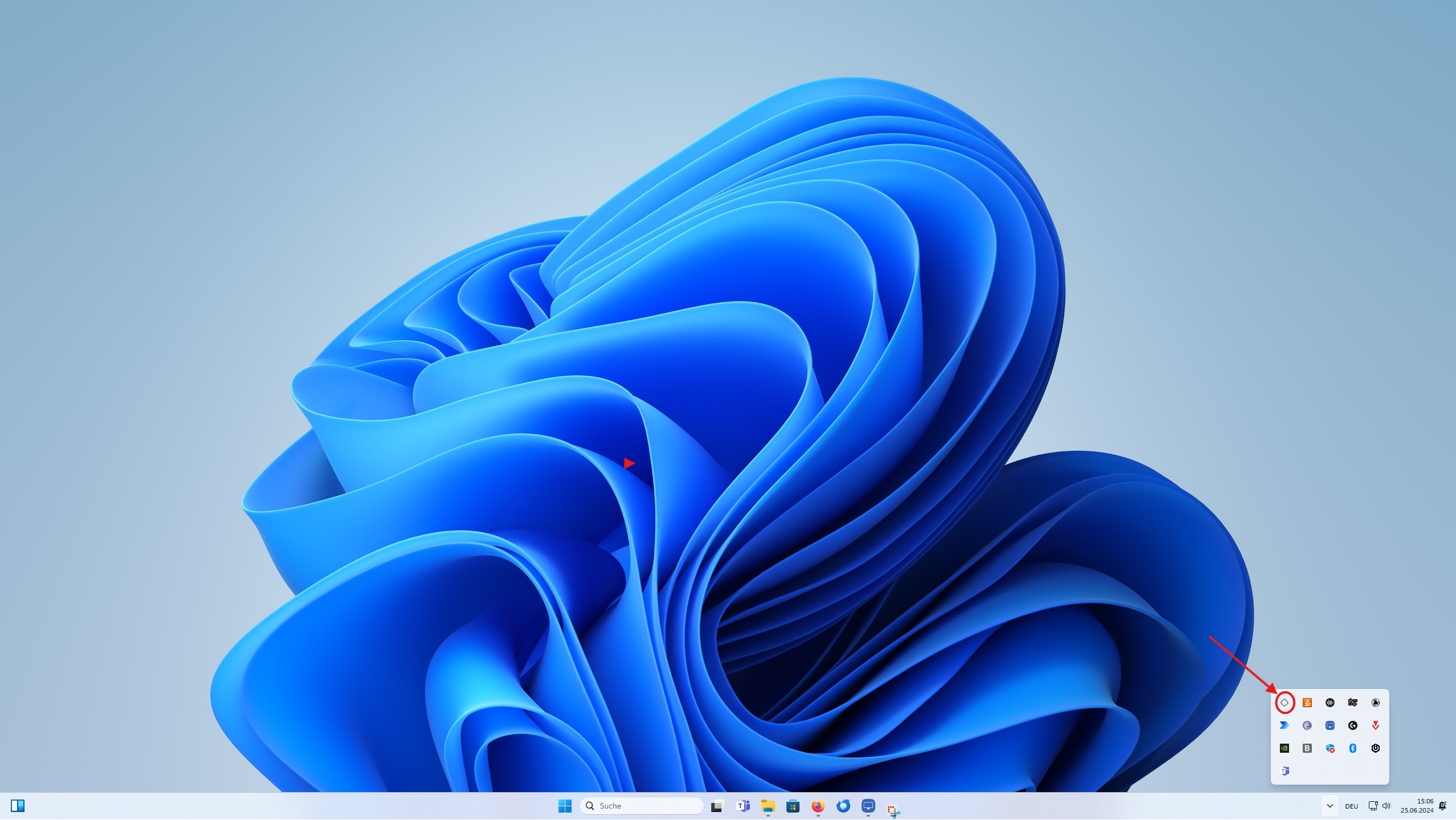
- now there should be appear the symbol of AltServer
- click on the symbol of AltServer, click on "enable JIT" and select your device
.png)
- click on the symbol of AltServer, click on "install AltStore" and select your device
.png)
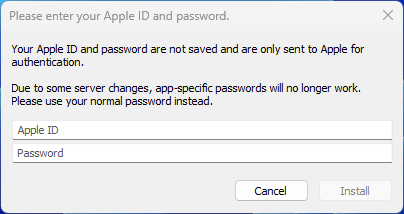
- login with the same Apple ID as your iPhone or iPad and click on "install"
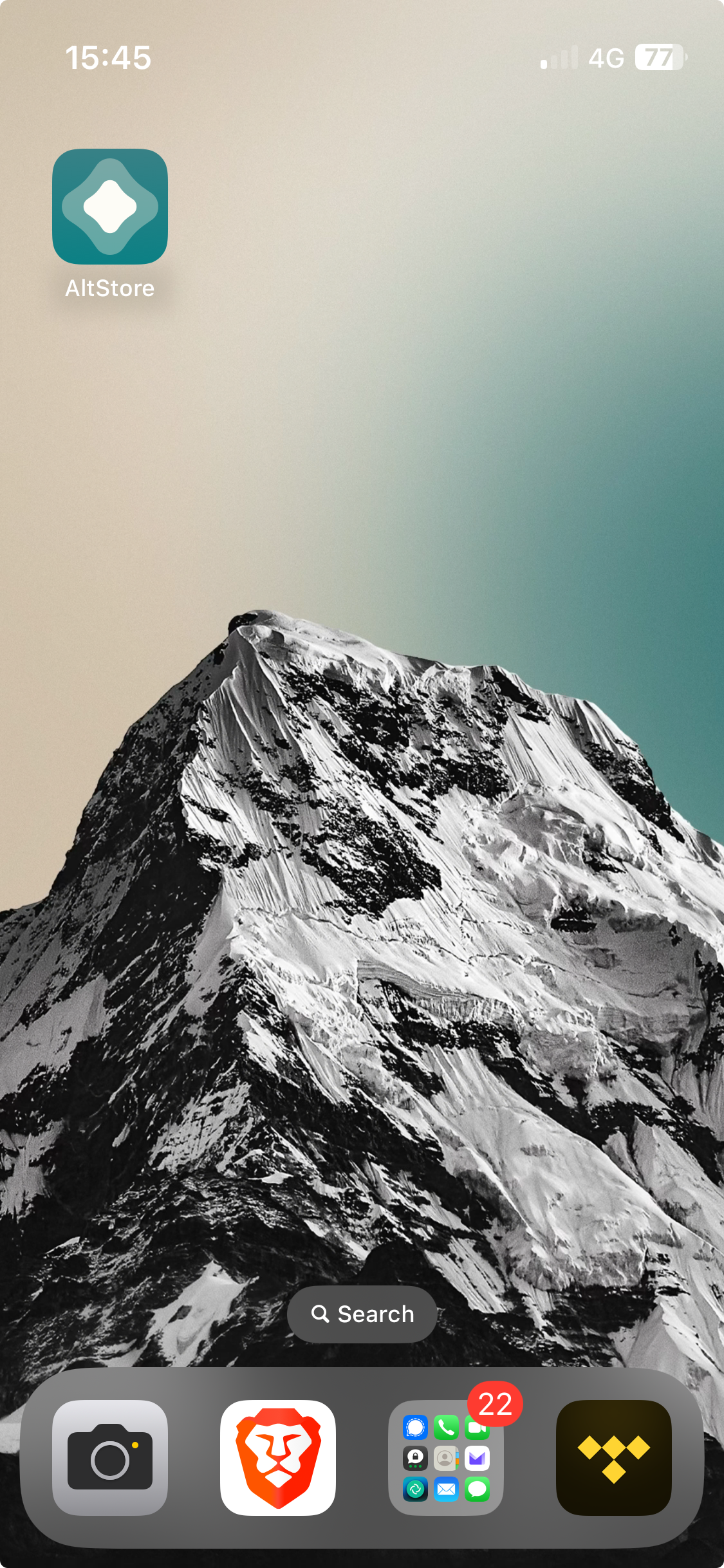
- You're done. If you followed every step properly you should find the Altstore app on your device
how to install IPA files on your iPhone or iPad with Altstore
- open AltStore
- open "My Apps" and click on the "+"
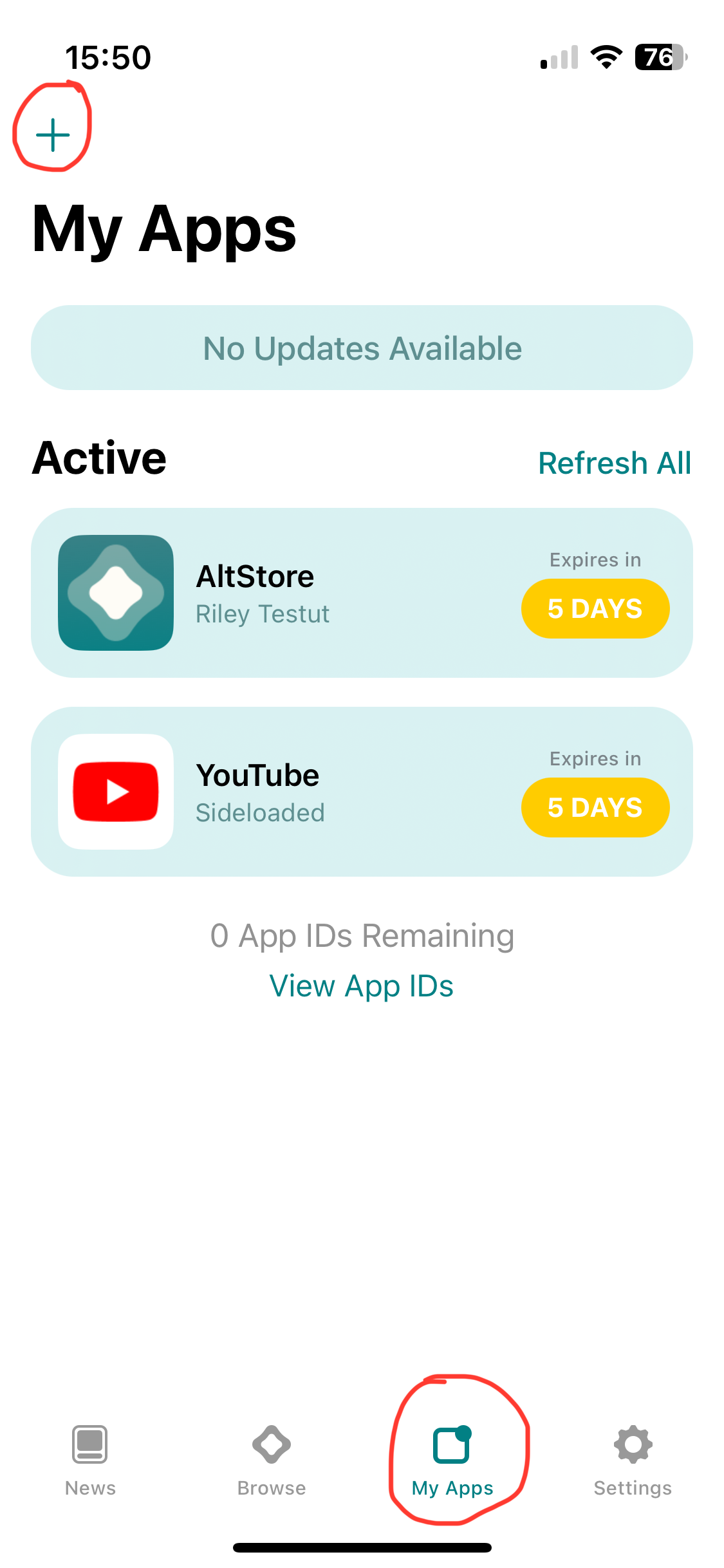
- select your IPA and decide if you want to keep the app extensions.
- Note: you're limited to 10 App IDs per 7 days. One App can hold more than 1 App ID and you arent able to delete App IDs.
- Note: here is a list of my recommendet IPA files